Disclaimer
Educational Use Only
This project demonstrates an ESP8266-based “Evil Twin” setup strictly for educational, research, and ethical cybersecurity learning purposes. It is intended to help understand wireless network vulnerabilities and improve defensive practices.
Any attempt to use this project to:
- Intercept data without authorization
- Impersonate networks to deceive users
- Gain unauthorized access to systems or information
is illegal and may violate local, national, and international laws.
The creator and distributor of this content do not condone or support malicious use. By using or replicating this project, you agree that:
- You will only test on networks and devices you own or have explicit permission to assess
- You are solely responsible for your actions and compliance with applicable laws
- You understand the ethical implications of security testing
This project should be used to learn, secure, and protect systems — not exploit them.
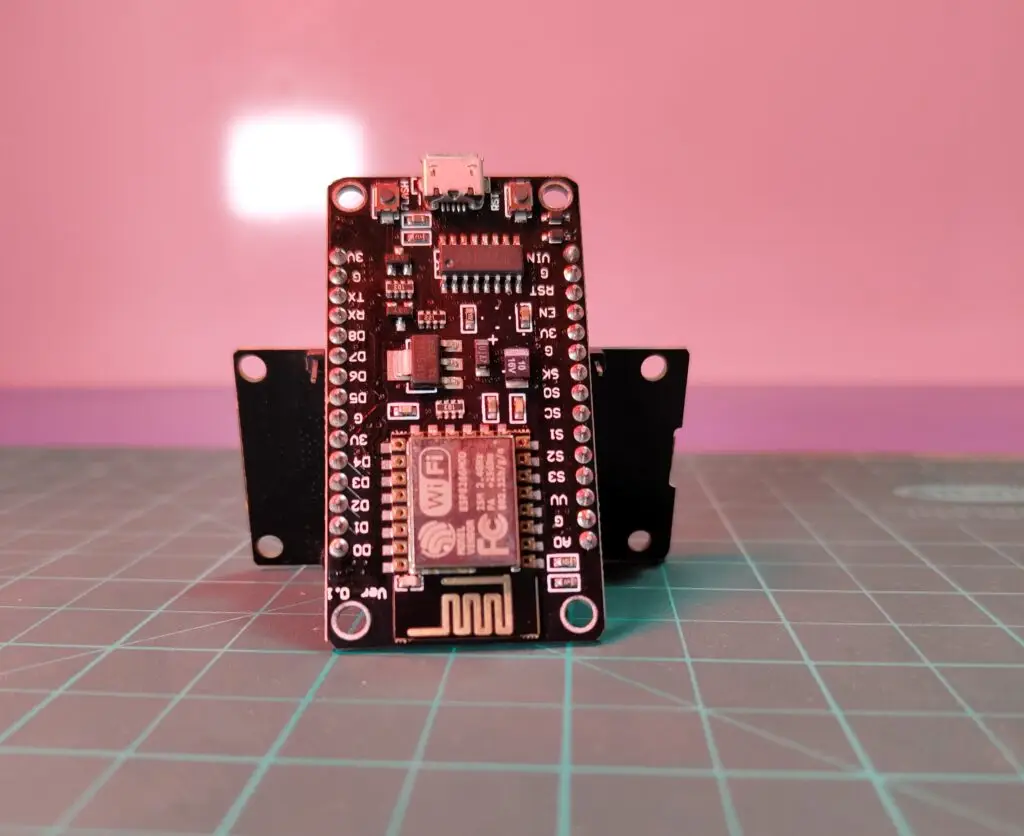
The Esp8266
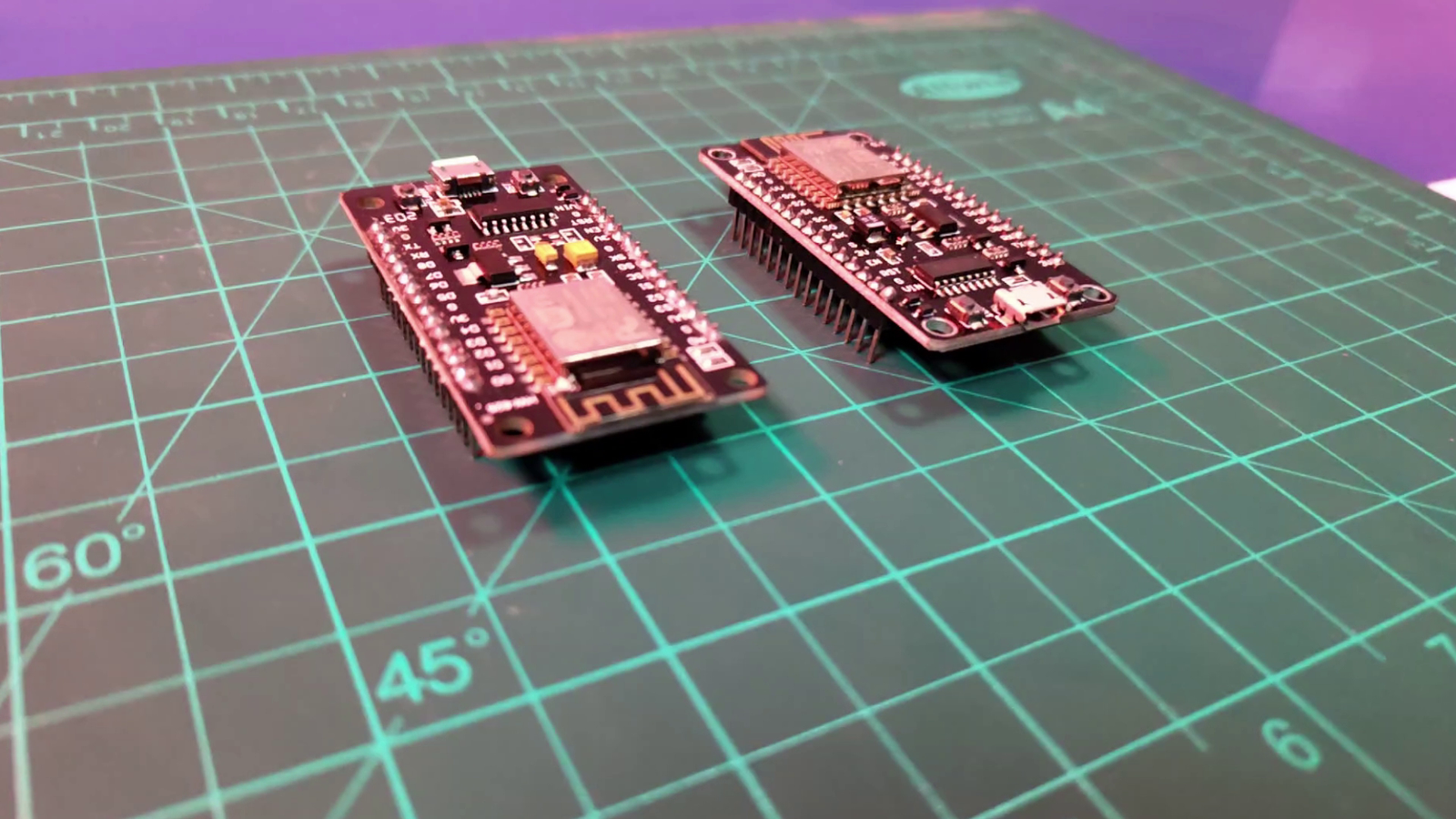
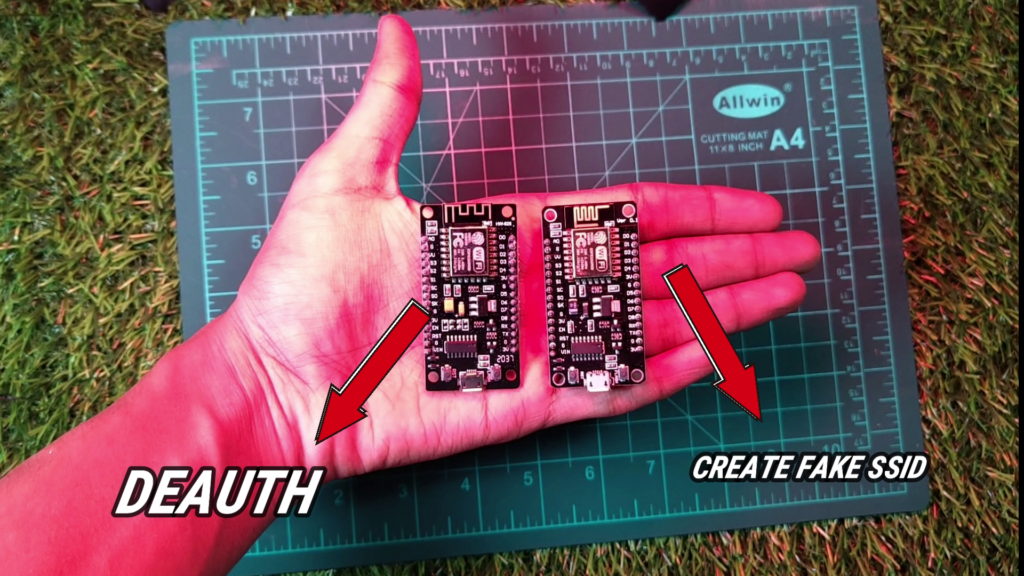
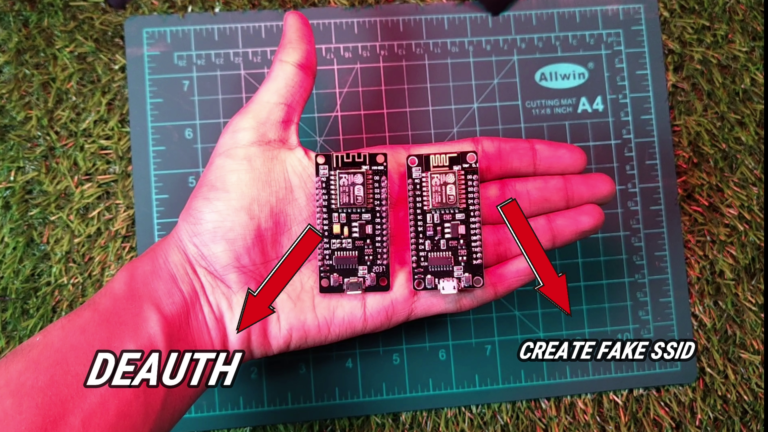
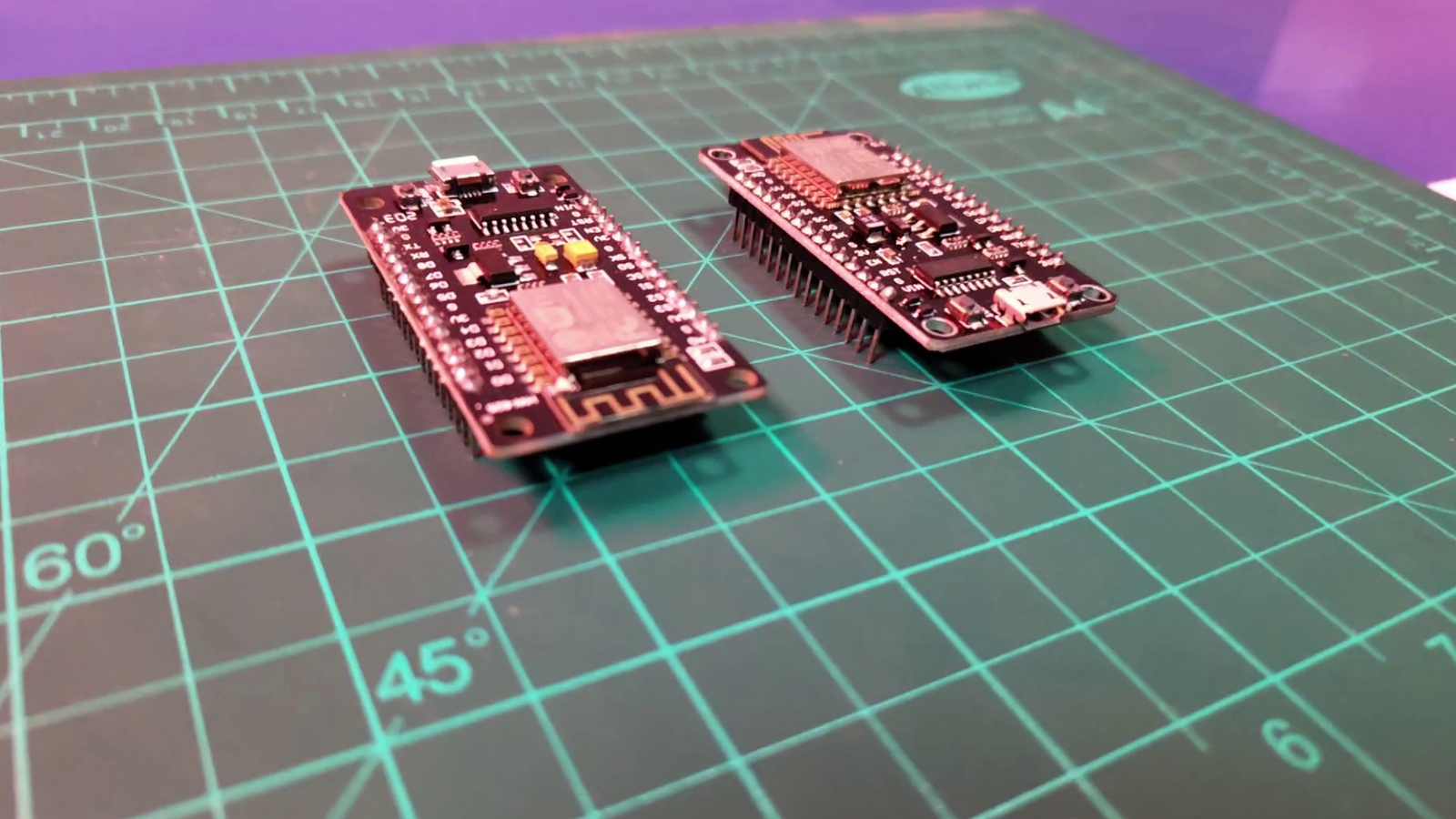
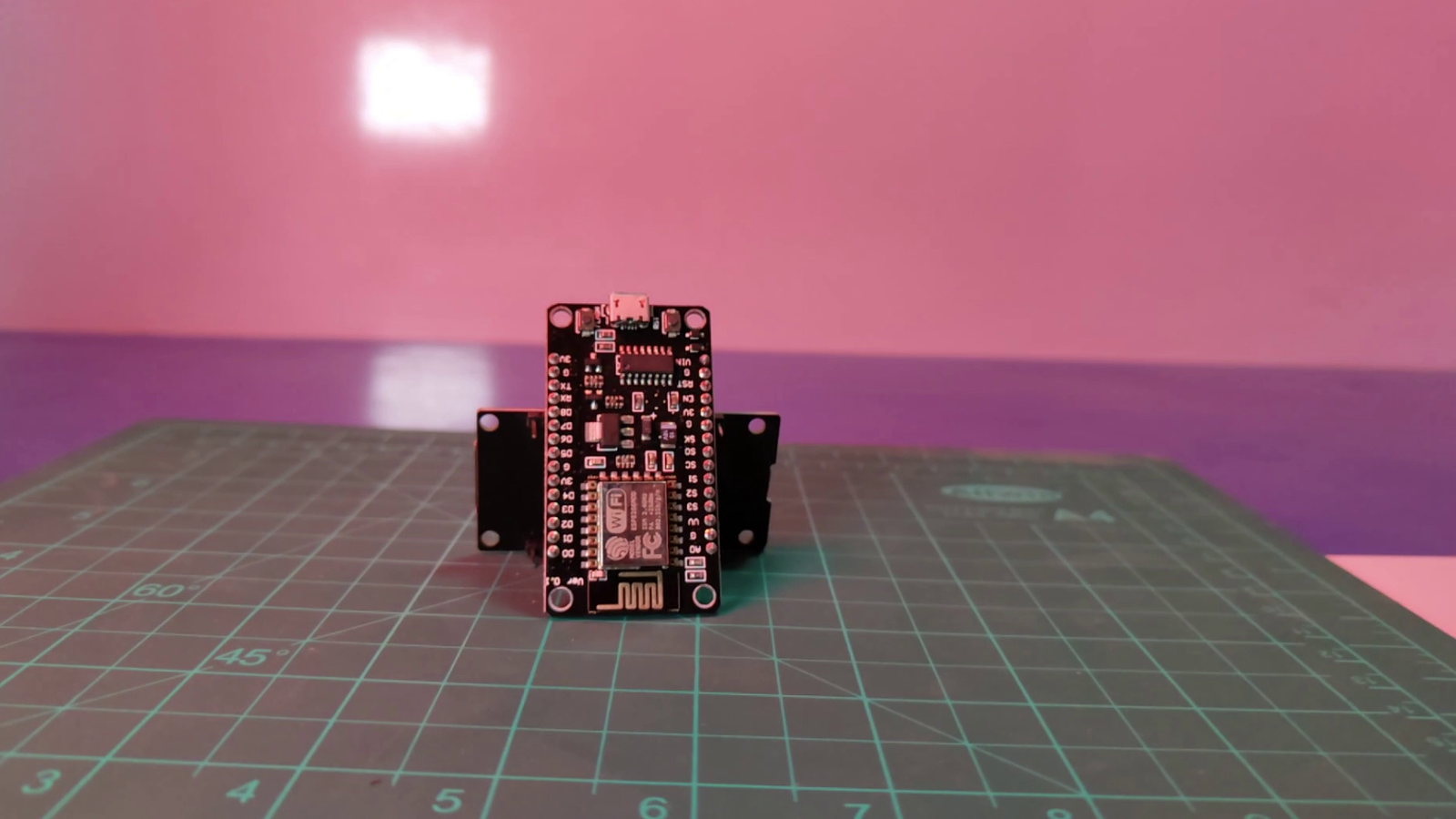
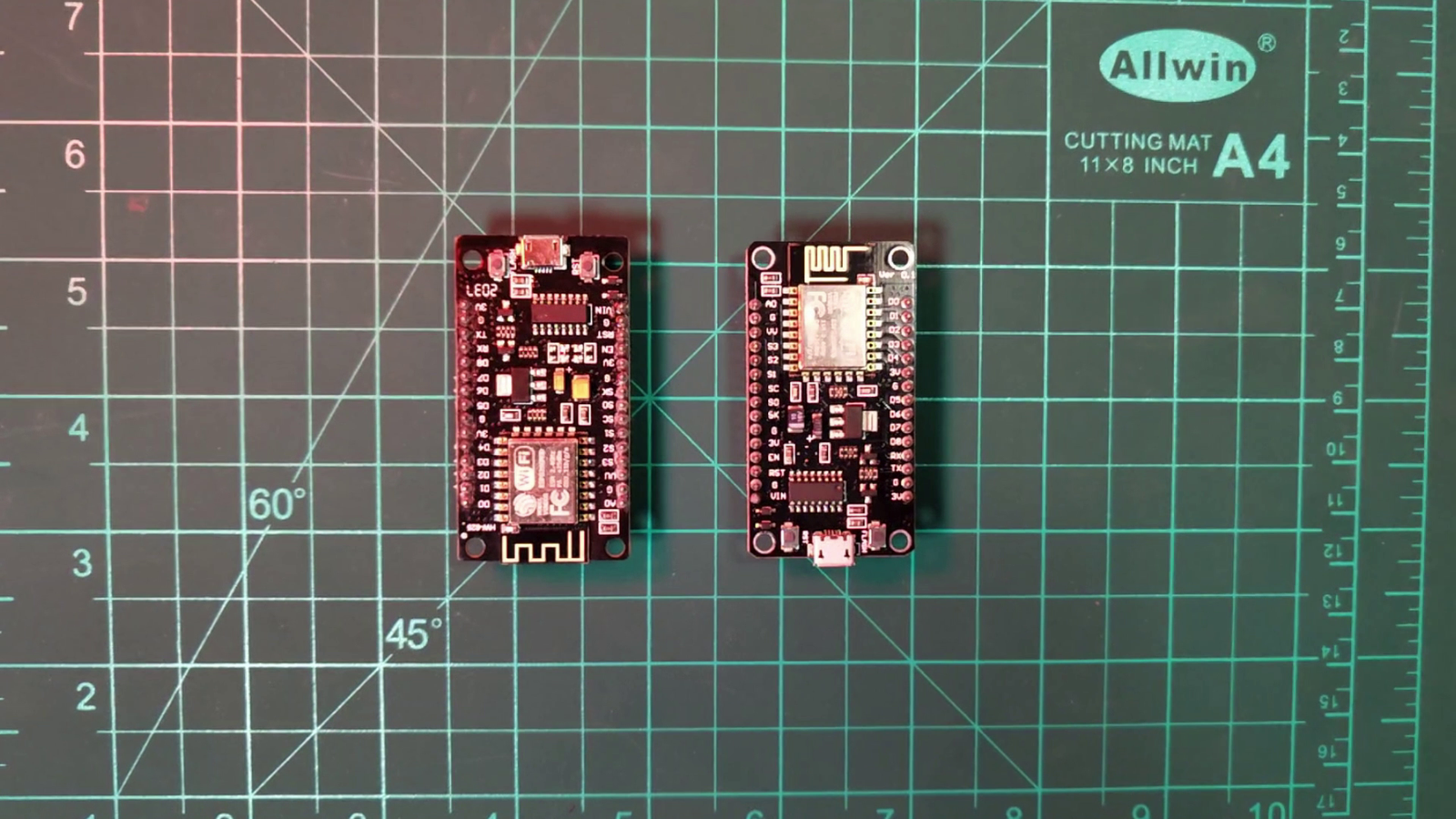
we will require two esp8266 for evil-twin, one of the esp will disconnect all the devices from the victim's wifi which we call Deauth Attack And the Another One Will Create A Fake wifi Network With Same SSID When the Victim will try to connect with the wifi And enter the password on the fake Phi**ing page we will get the password of the original wifi.
Setup Esp8266 -1
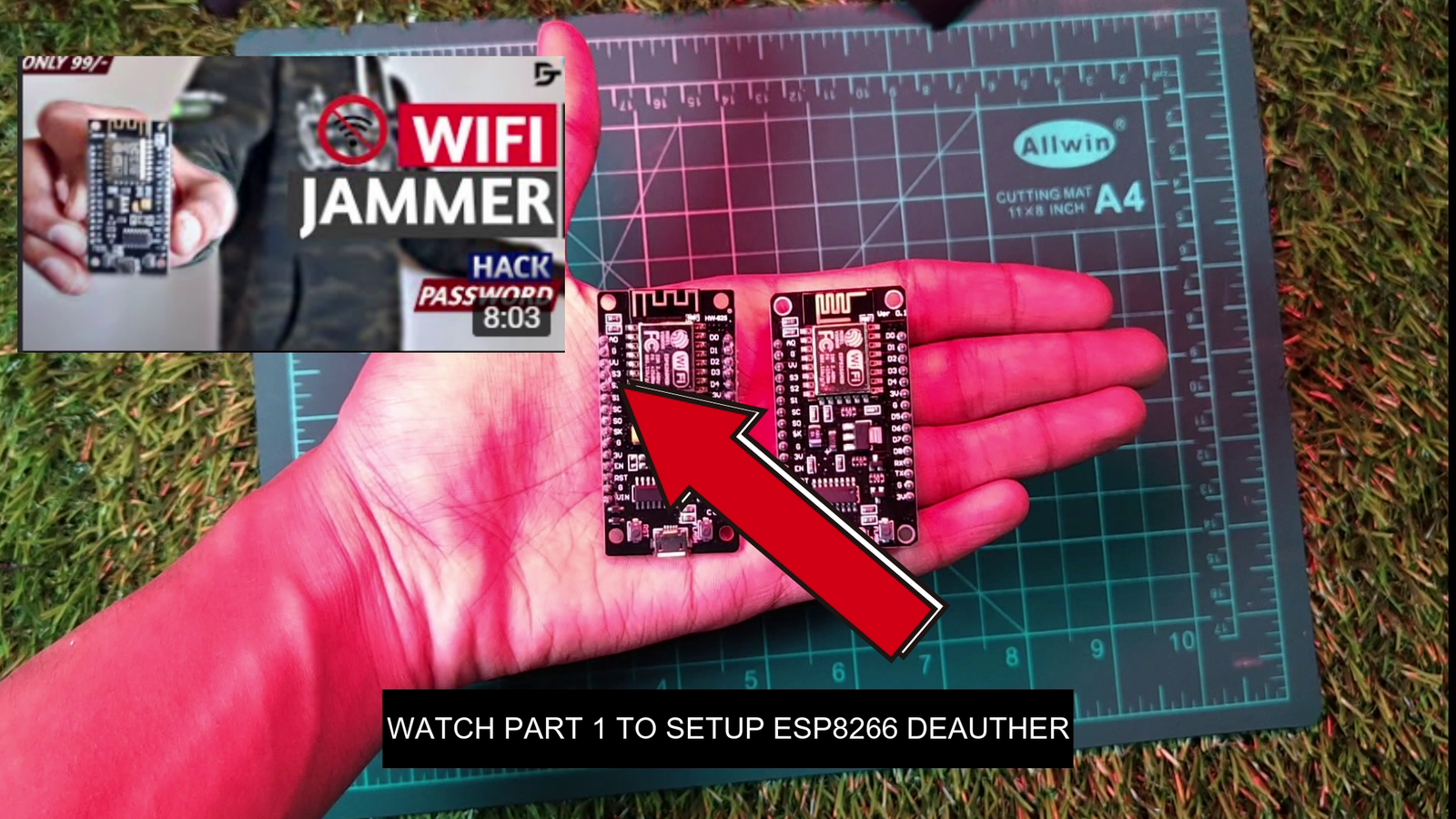
I had Already made a tutorial to Setup the Esp8266- 1 for Deauth Attack You Can Watch the Tutorial on Youtube or Checkout The Guide Here , you can try different kind of attacks using this.
Setup Esp8266 -2
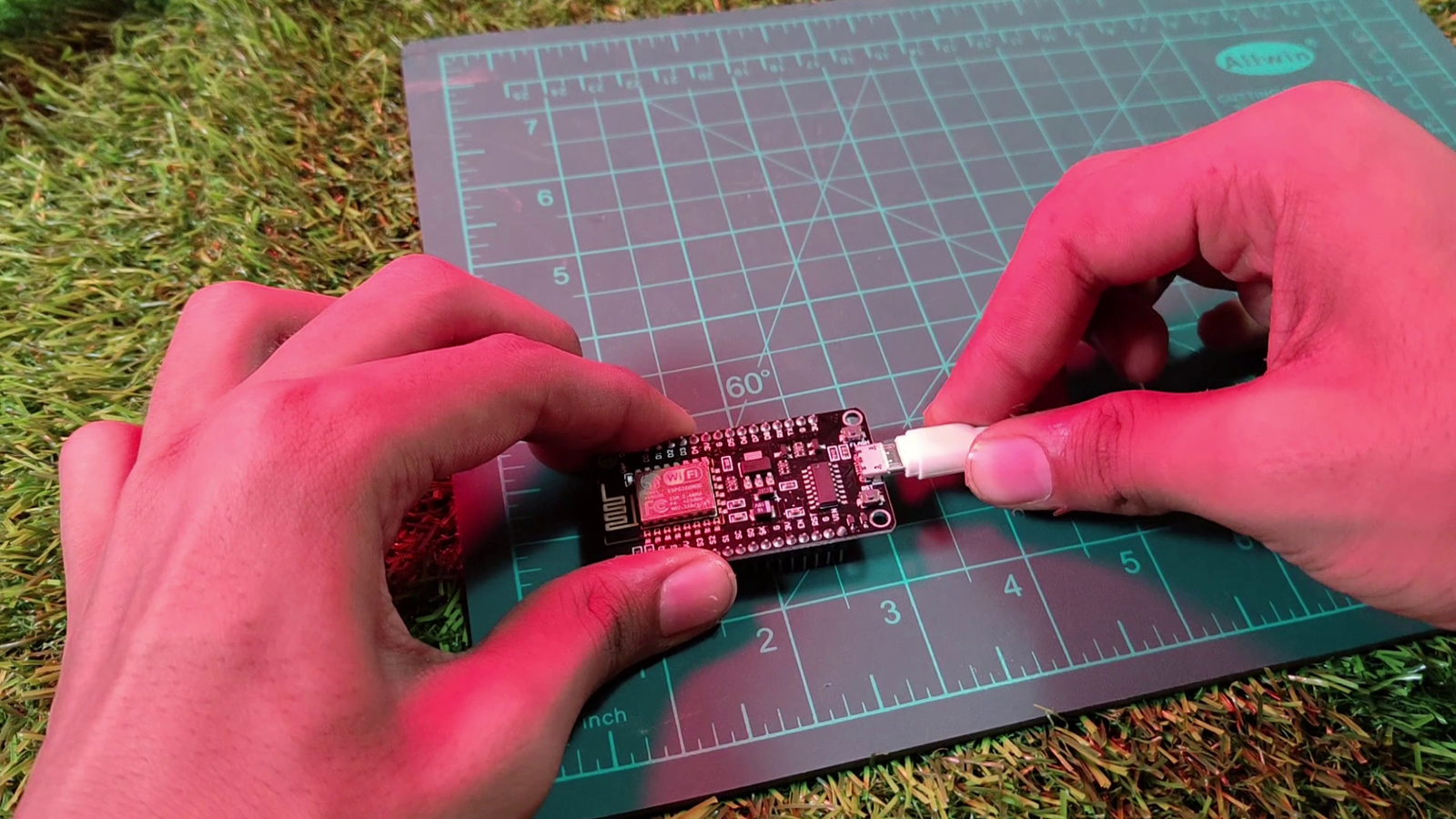
To Setup Esp8266- 2 we require
- Usb Cable
- Arduino IDE installed in our desktop
- A powerbank (optional)
- Driver installed in pc
Step-1

Step-2

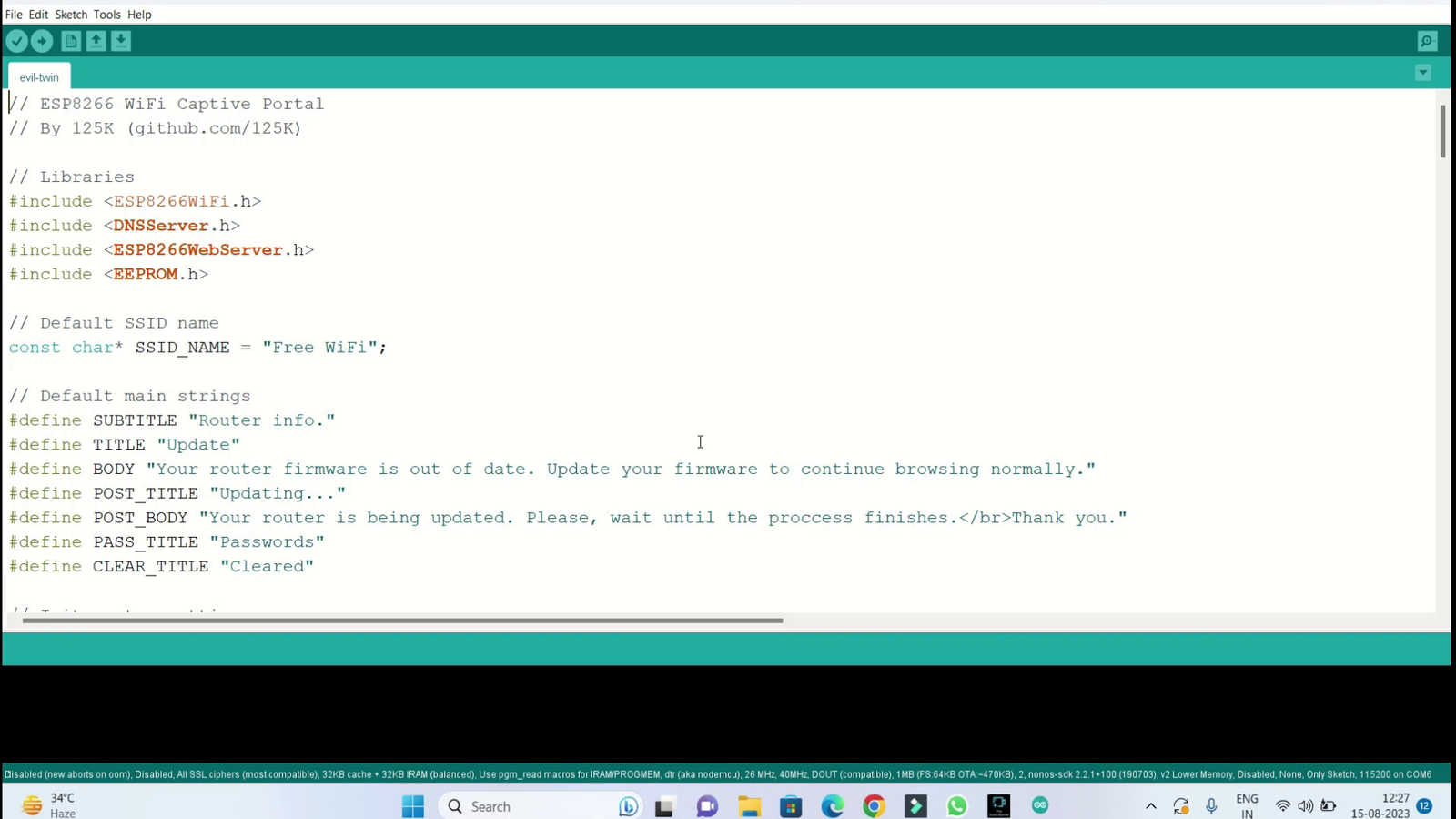
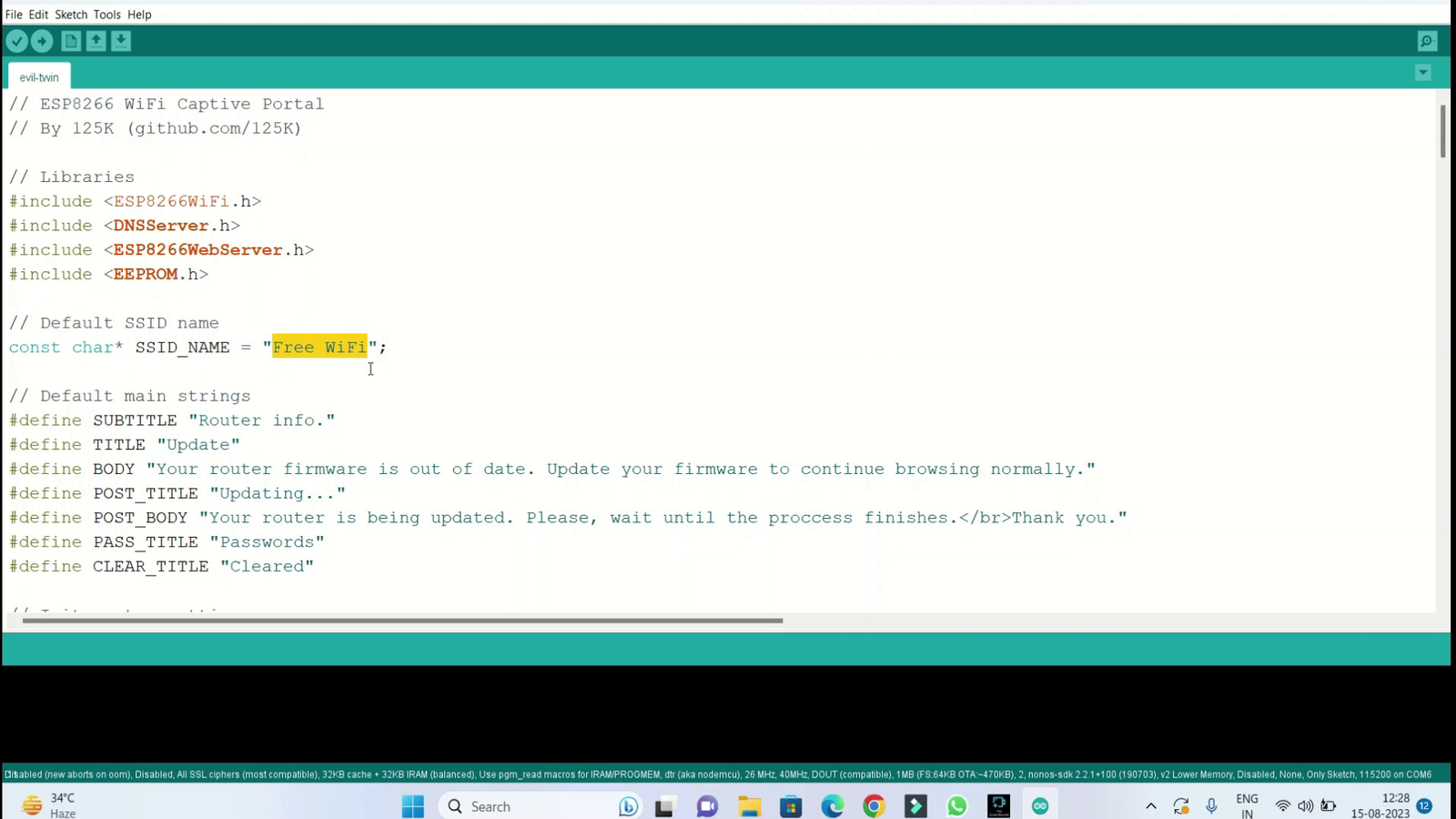
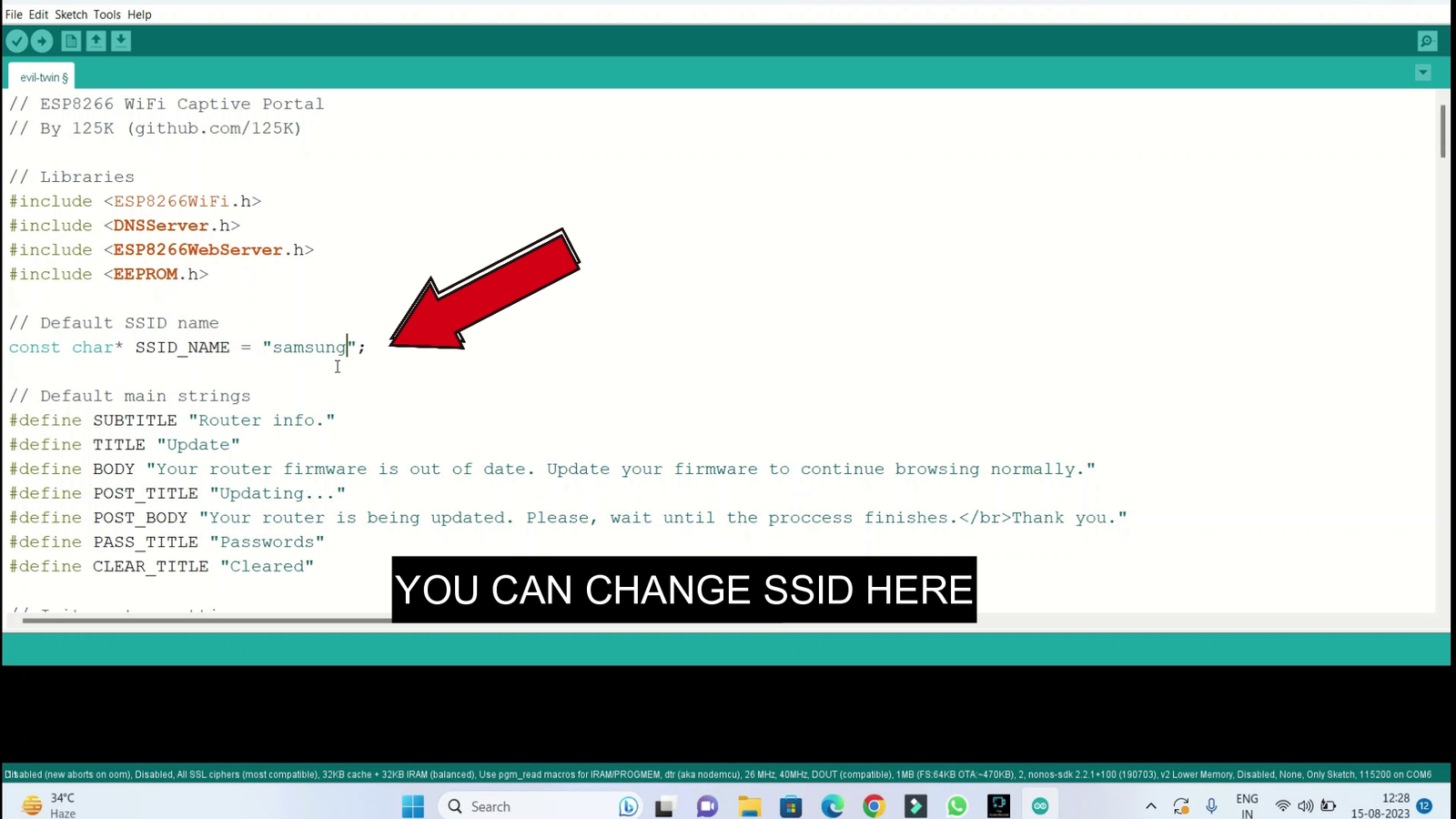
This is The Defualt SSID "FREE WIFI" which you can also change later using your phone
Change Headings
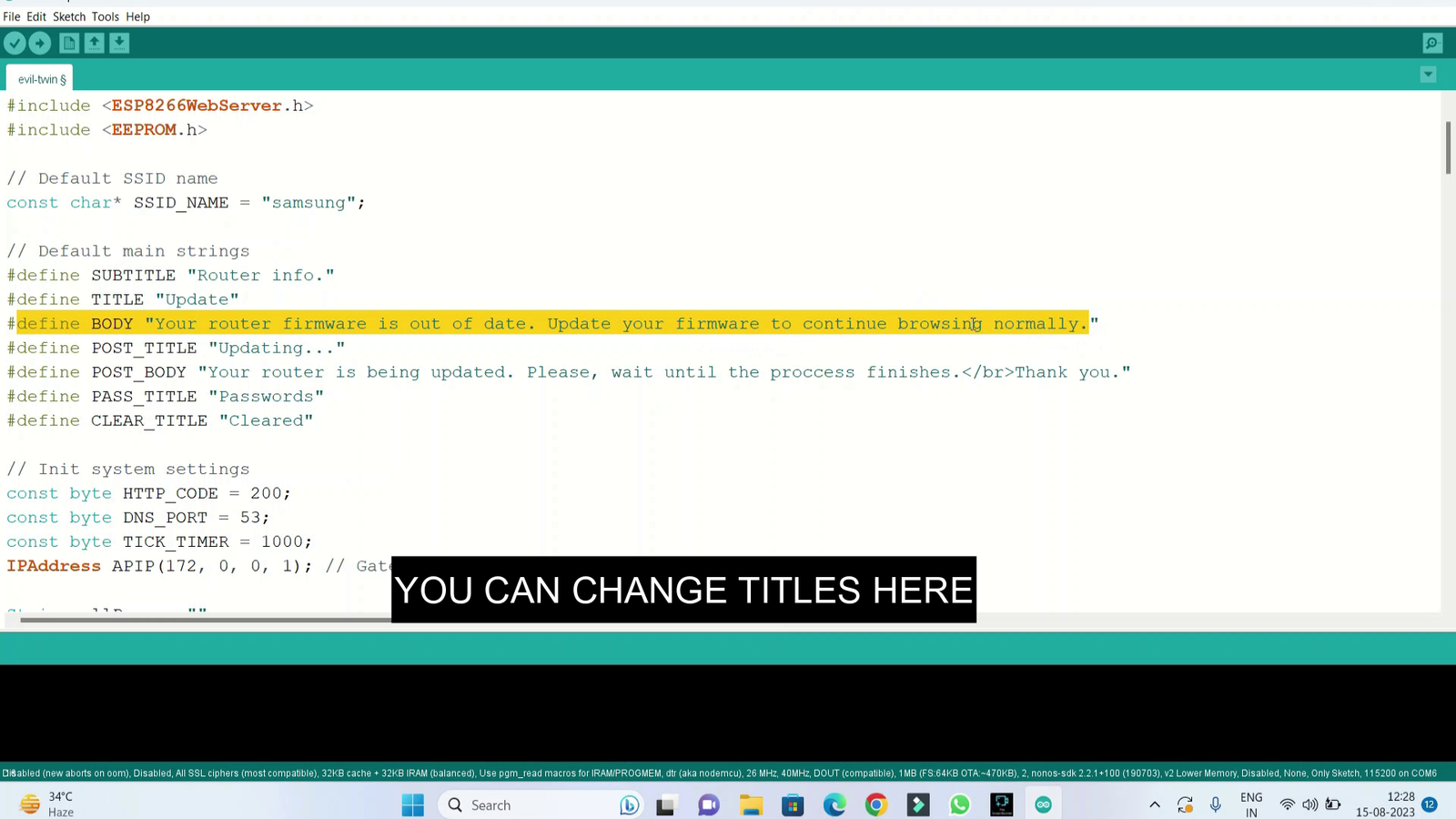
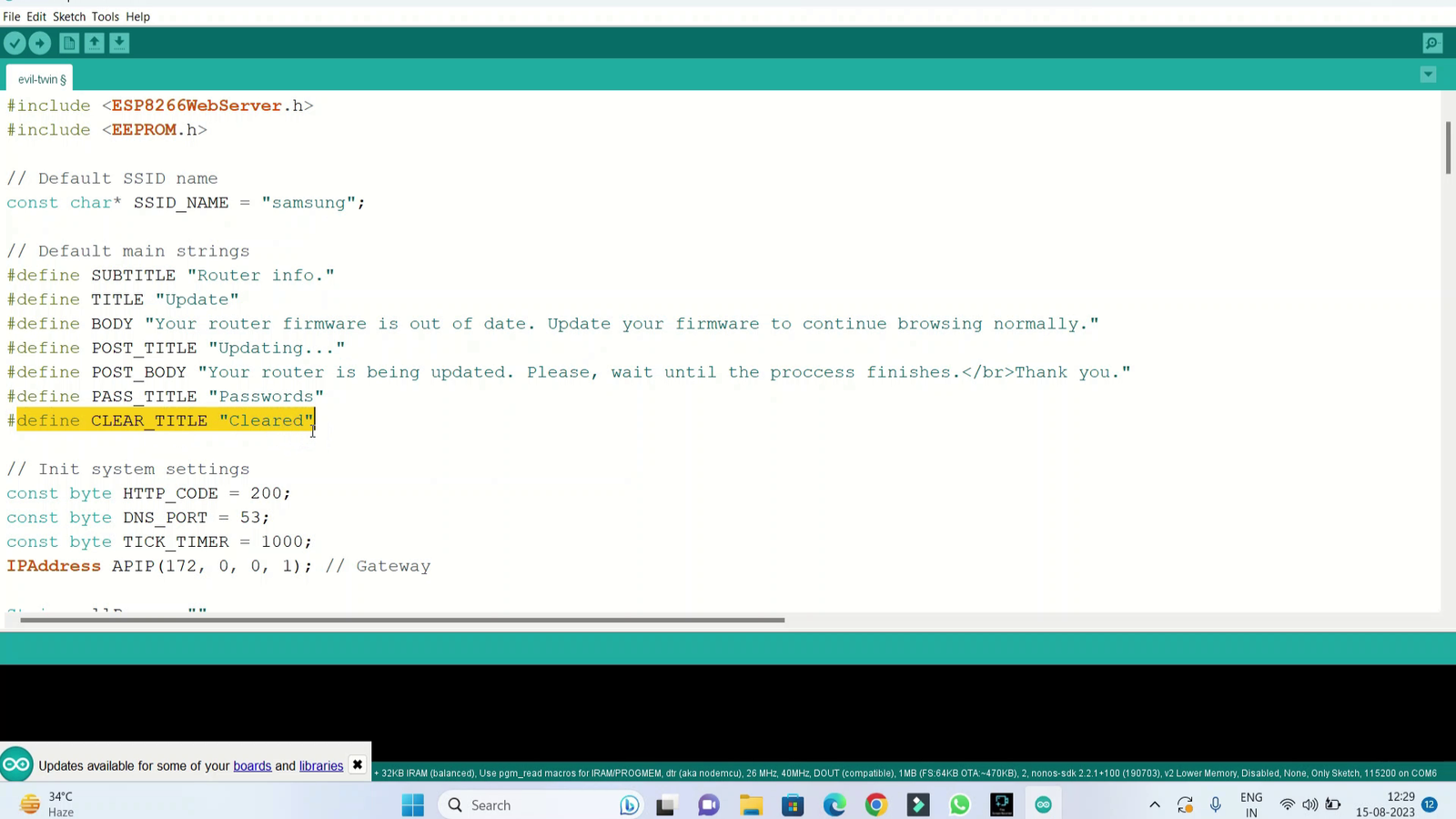
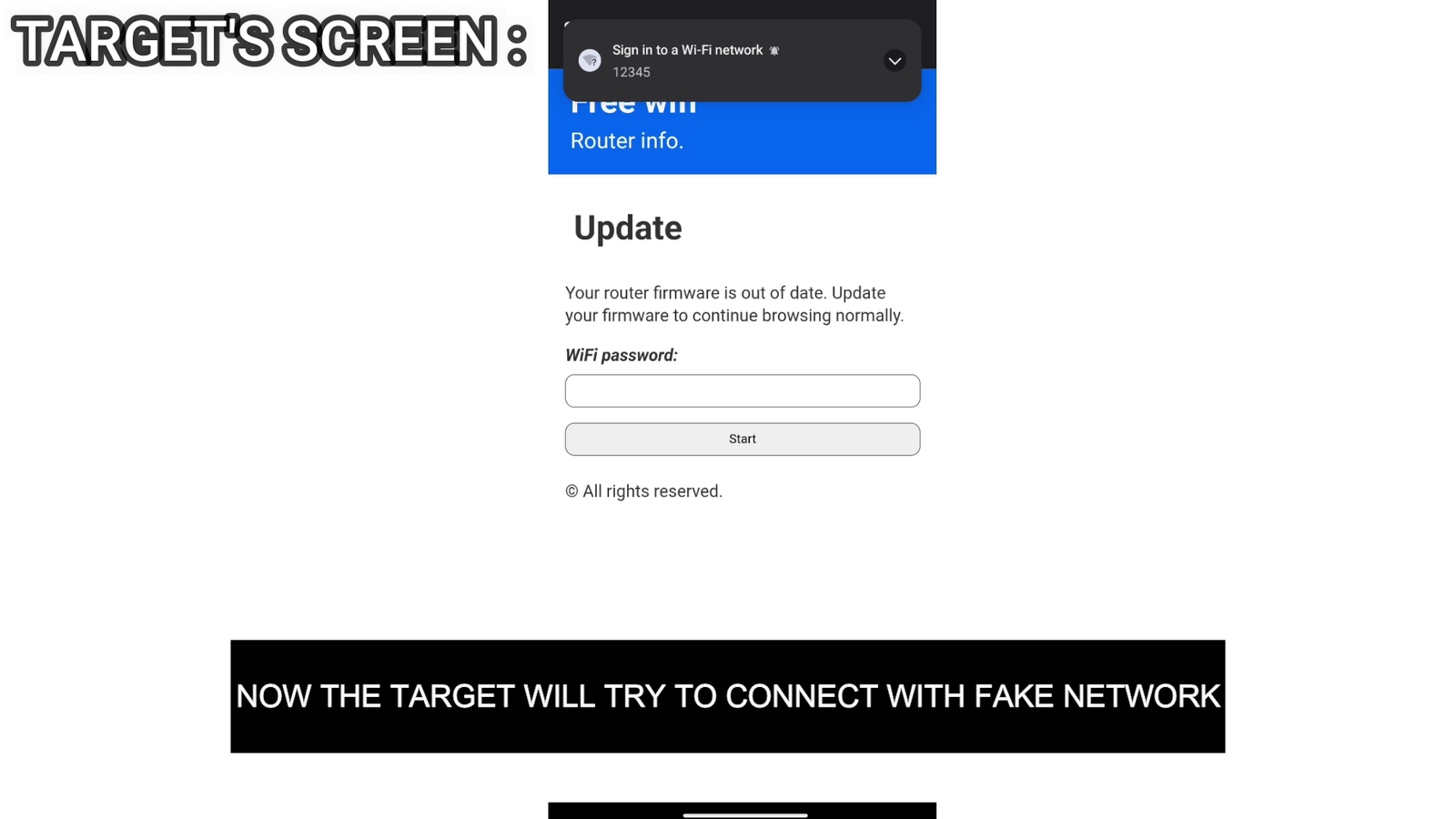
Your Can Customize the Form from here
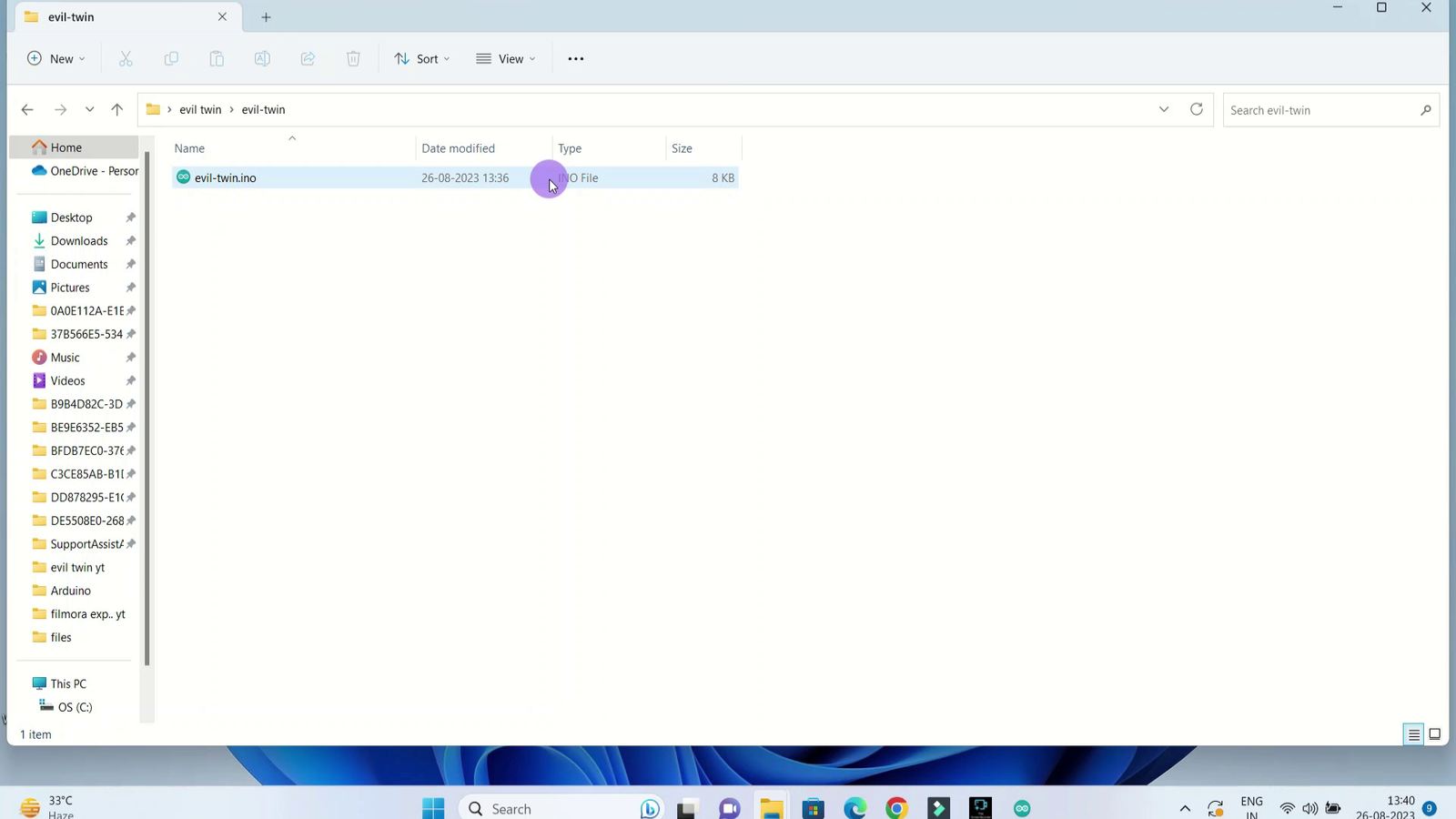
Code
Select The proper Com port and board as esp8266
Trouble shooting advice - download drivers if com port is not showing
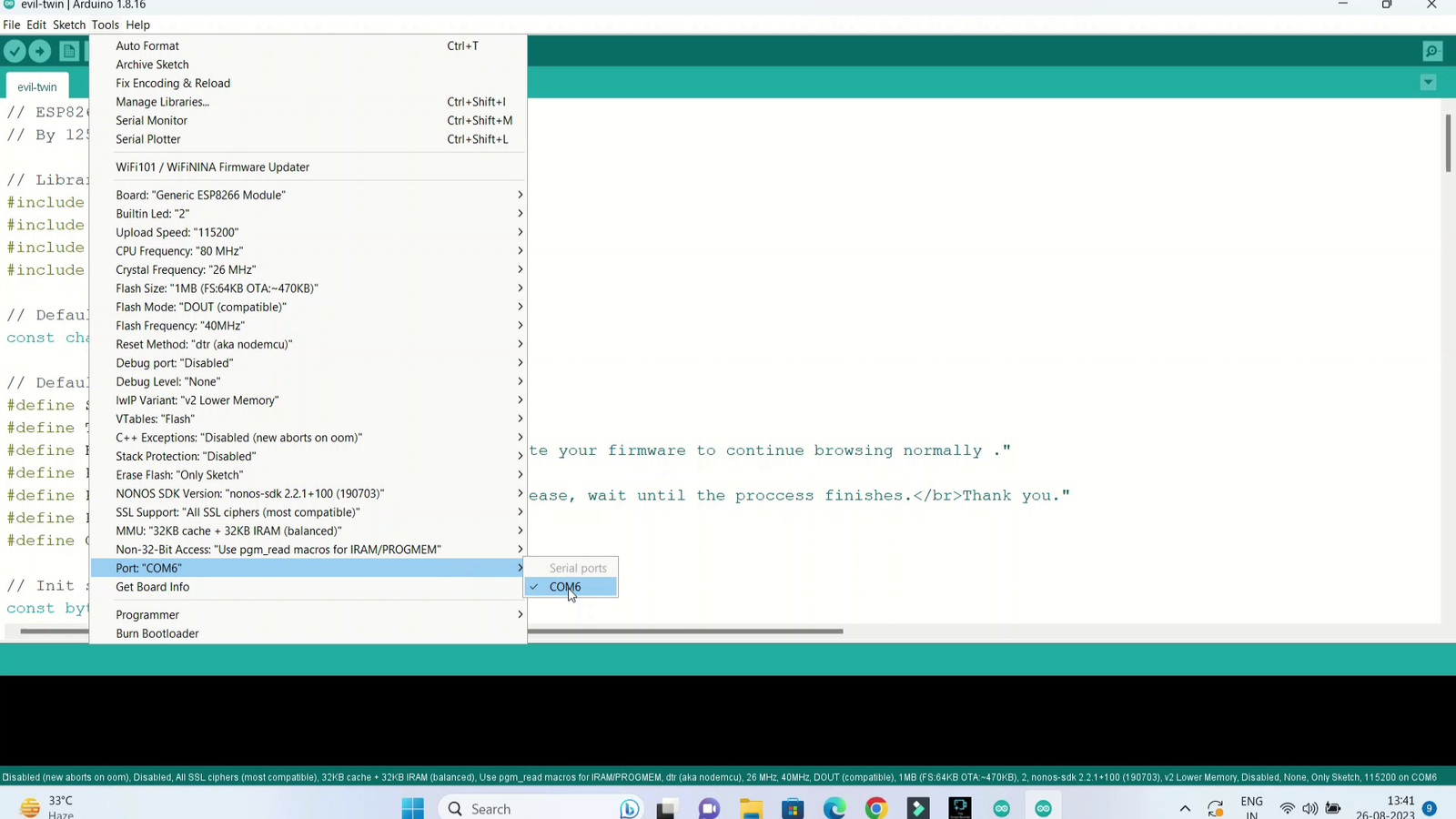
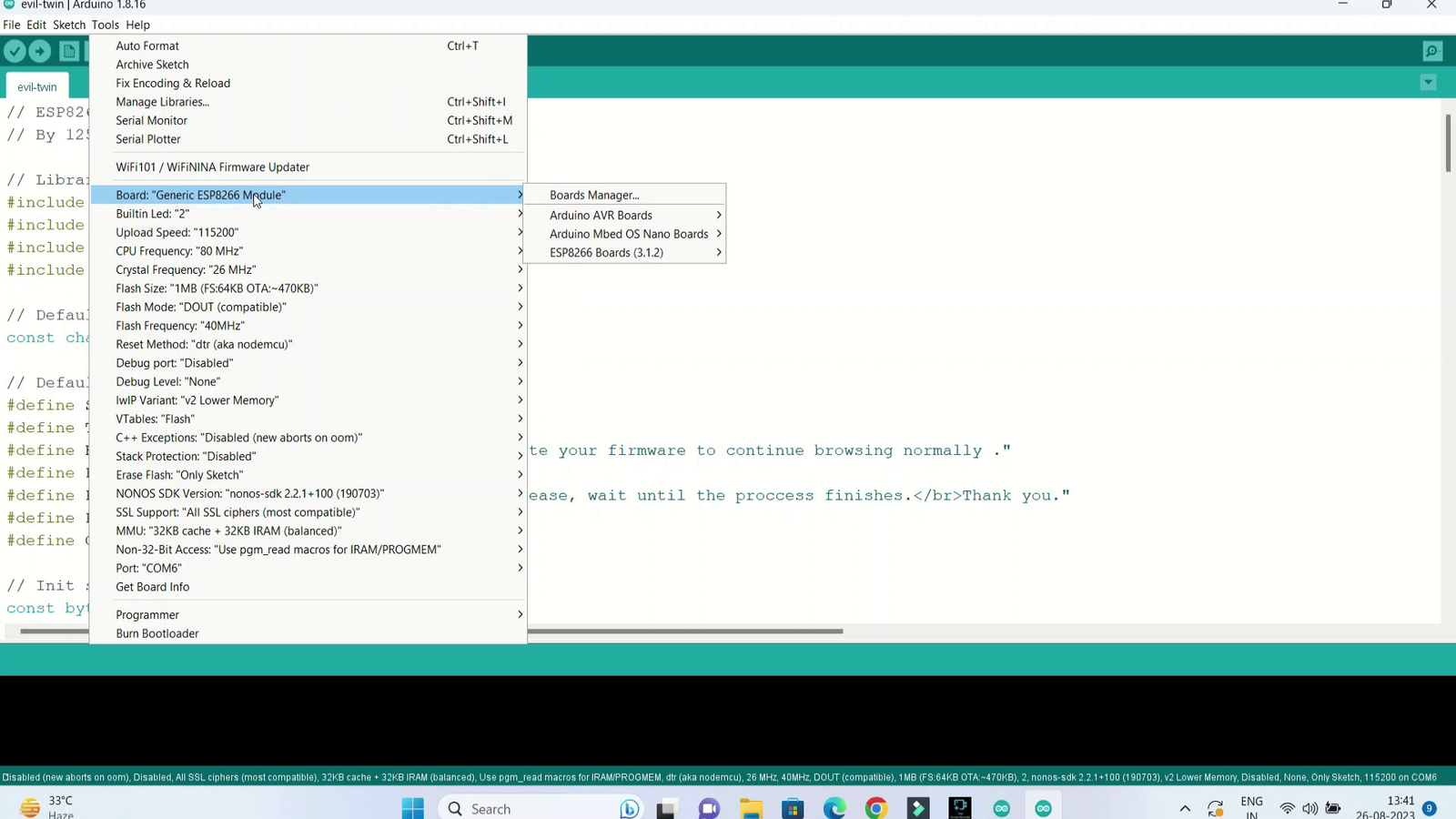
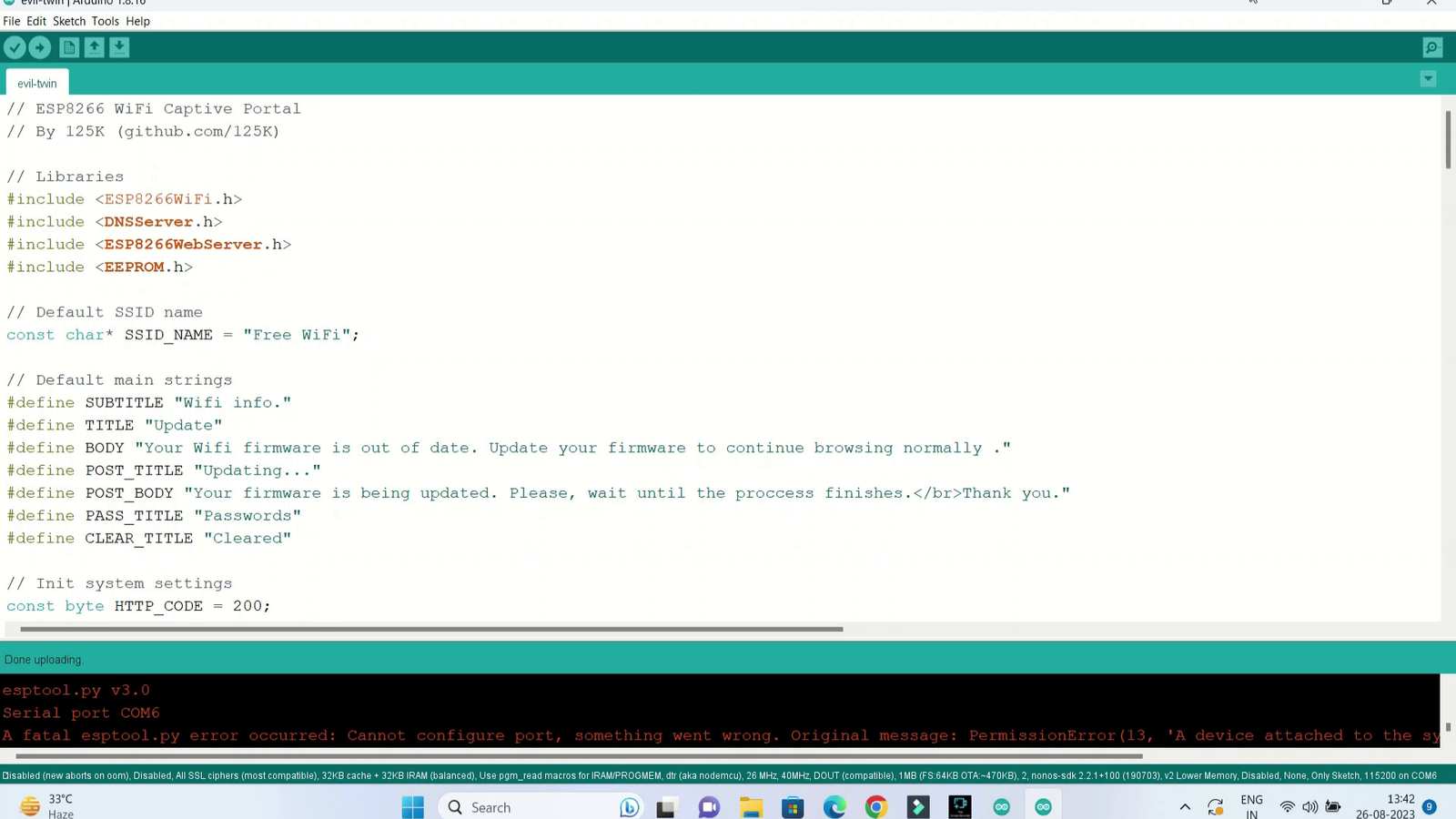
Power Up
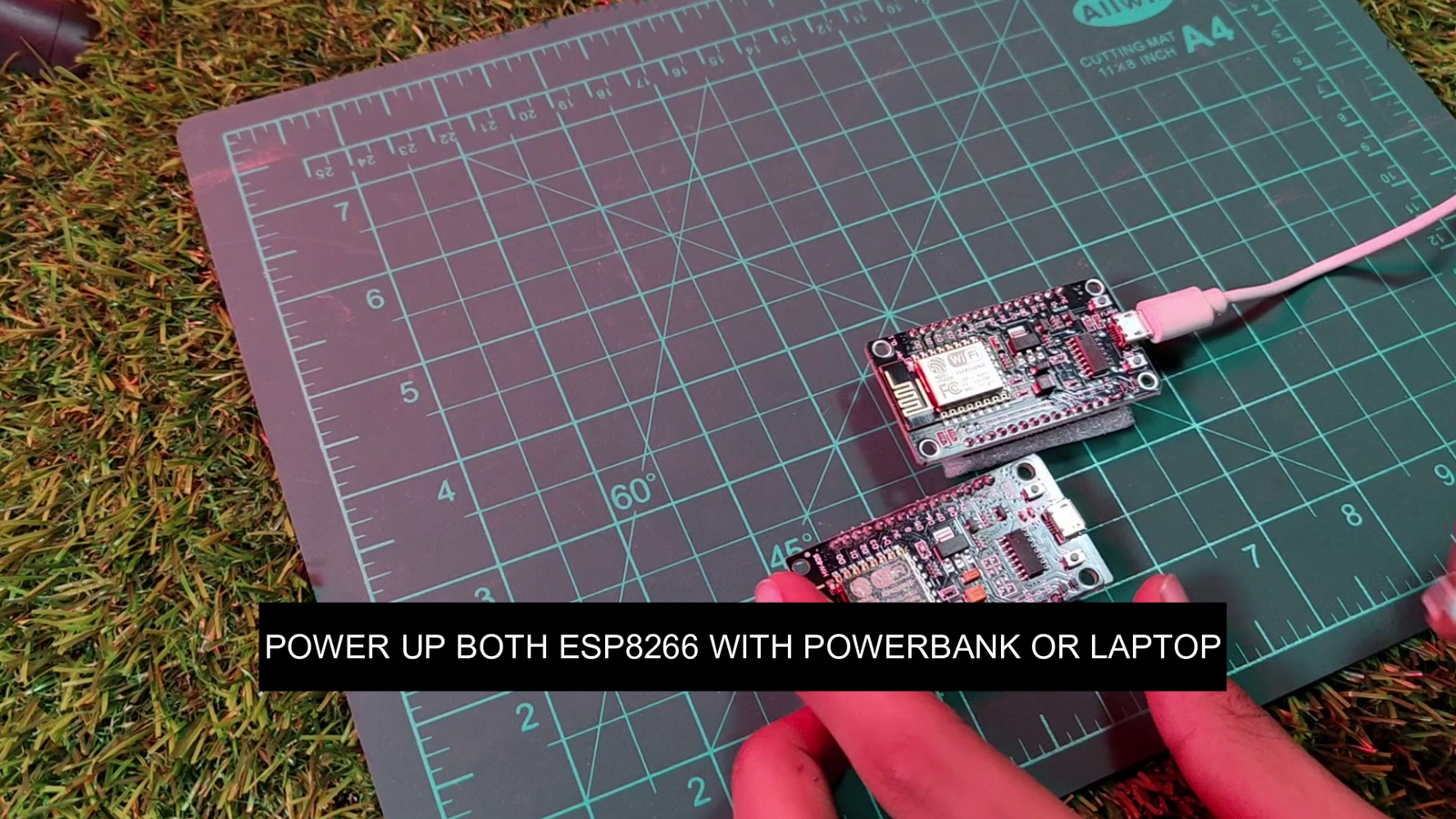
Now Connect Both the esp with A power supply, you can use powerbank or Even your phone using Otg, Make sure You give 5v only otherwise you will end up burning your boards
Testing
Now we need one wifi which will be our target, a mobile which will act as victim and one mobile to perform attack.
Watch the first part and Deauth Target.
Open Wifi and connect with 2nd esp it will be shown with the default ssid you entered while entering the code
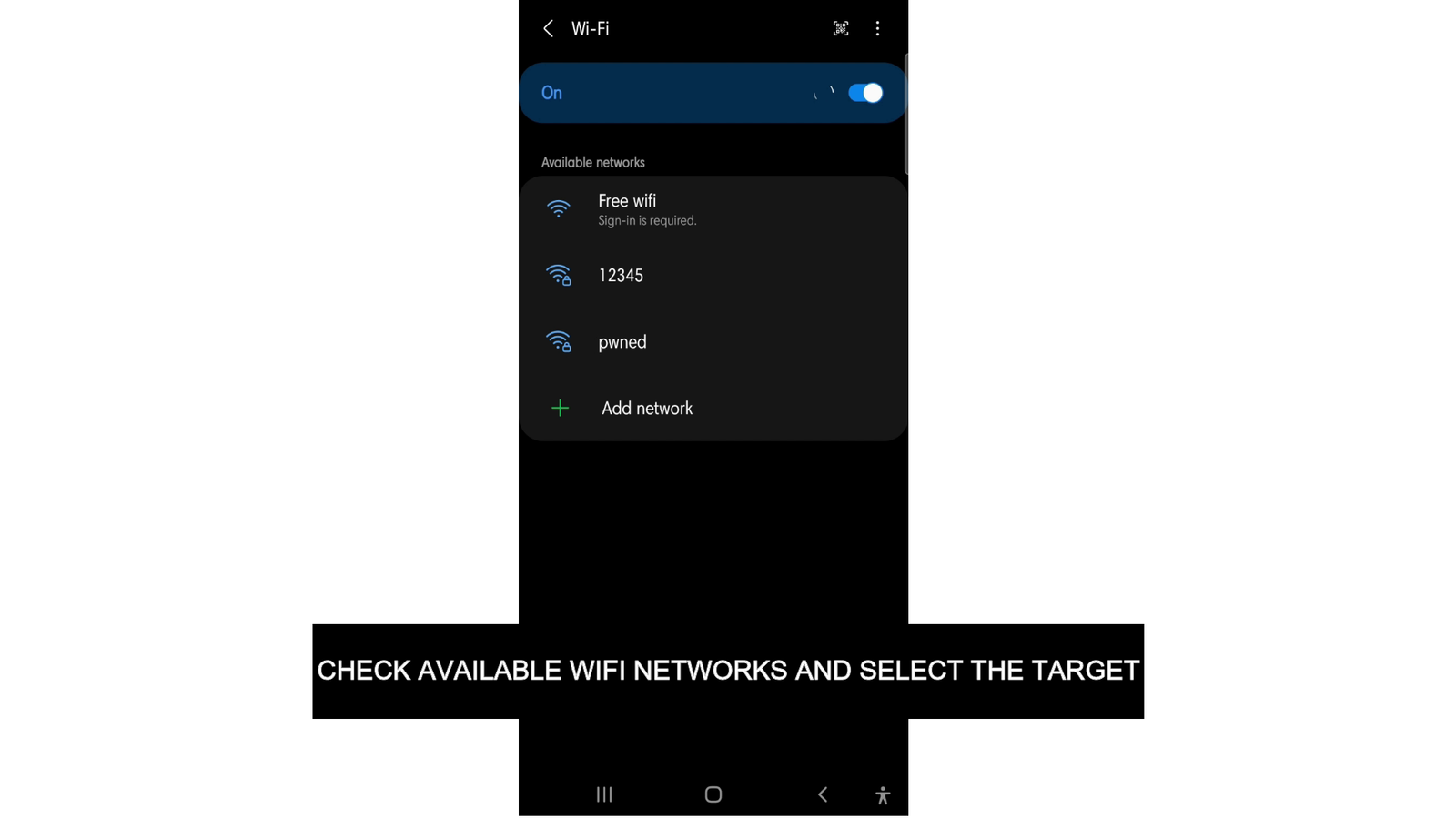
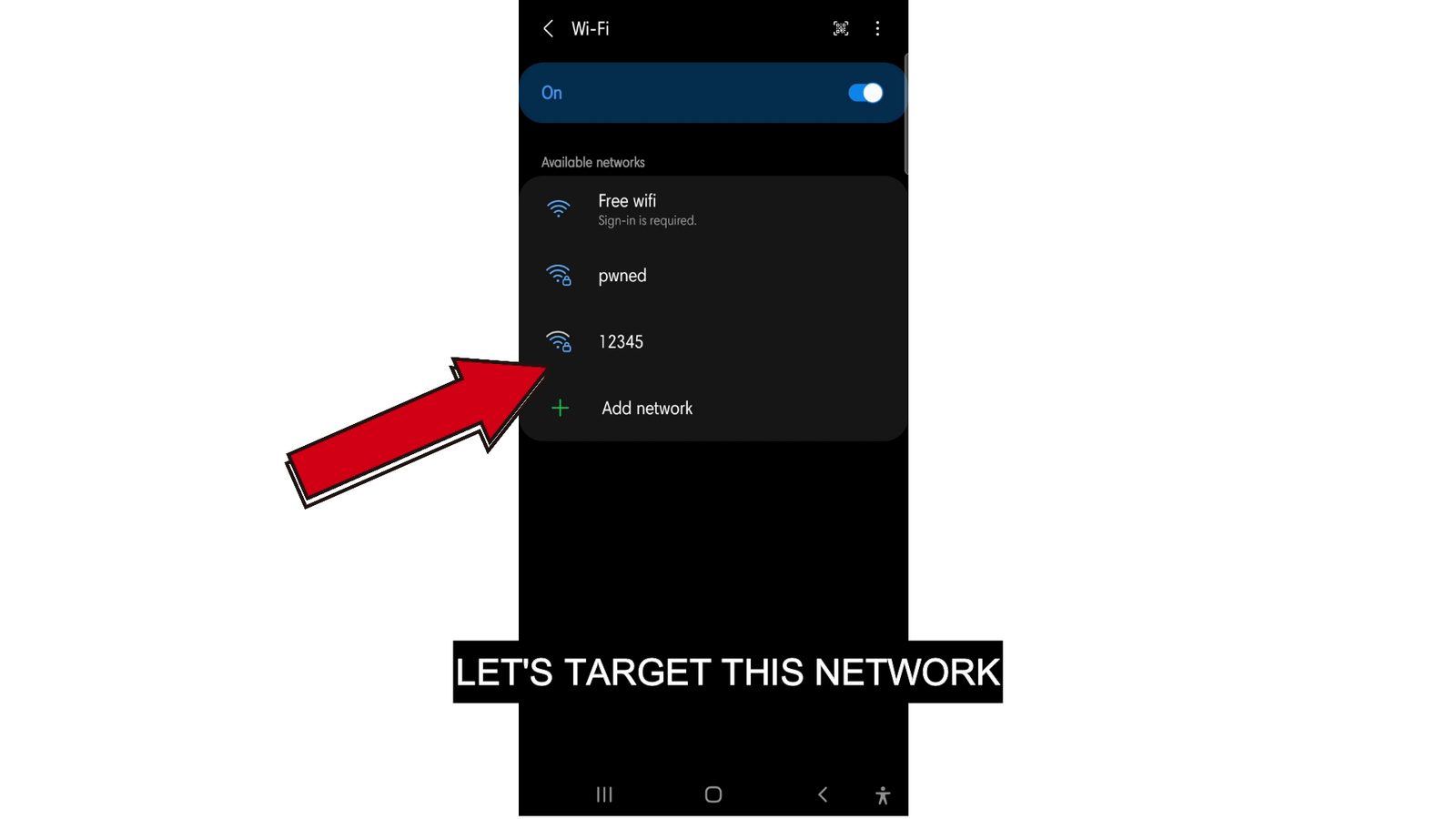
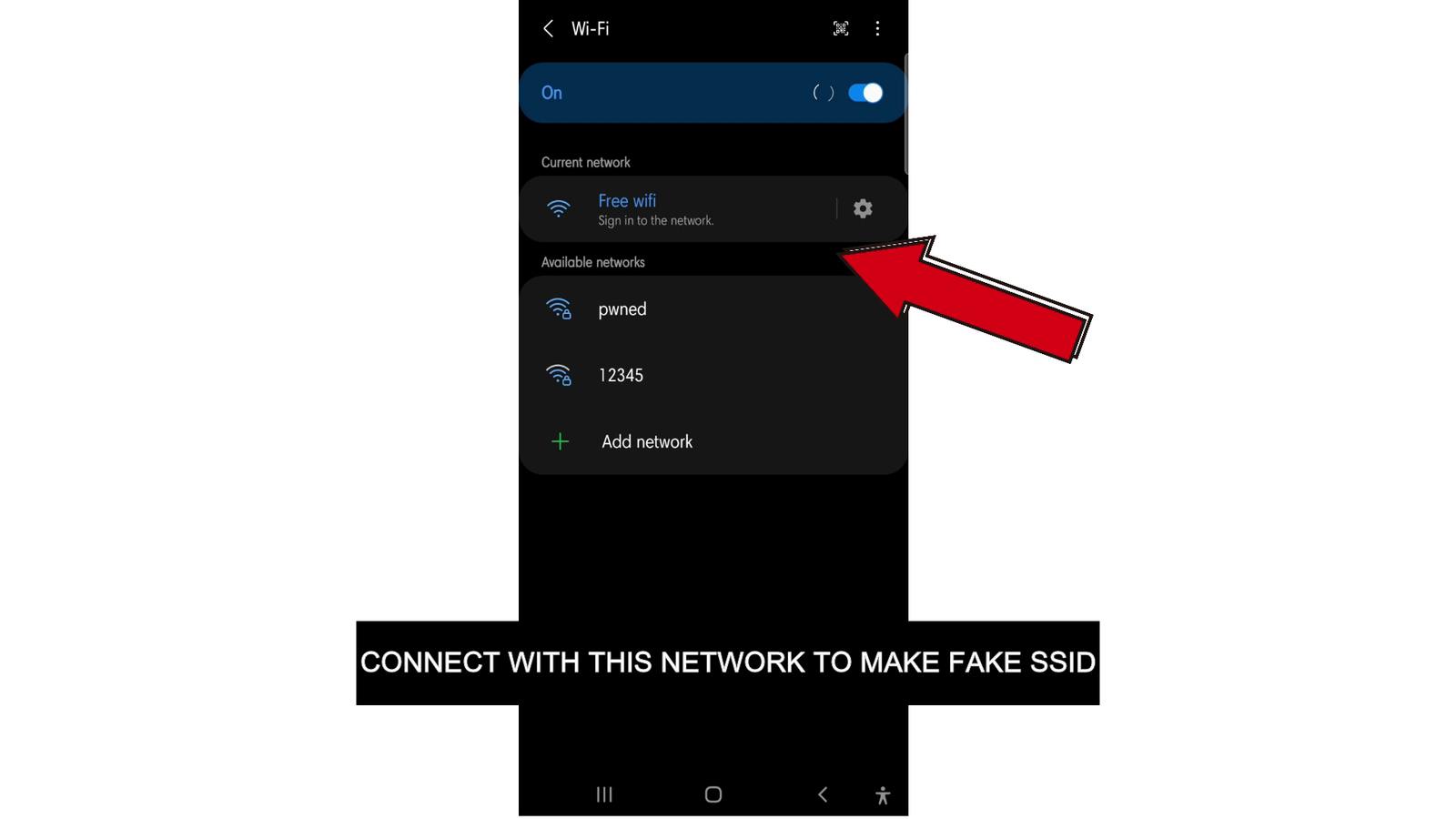
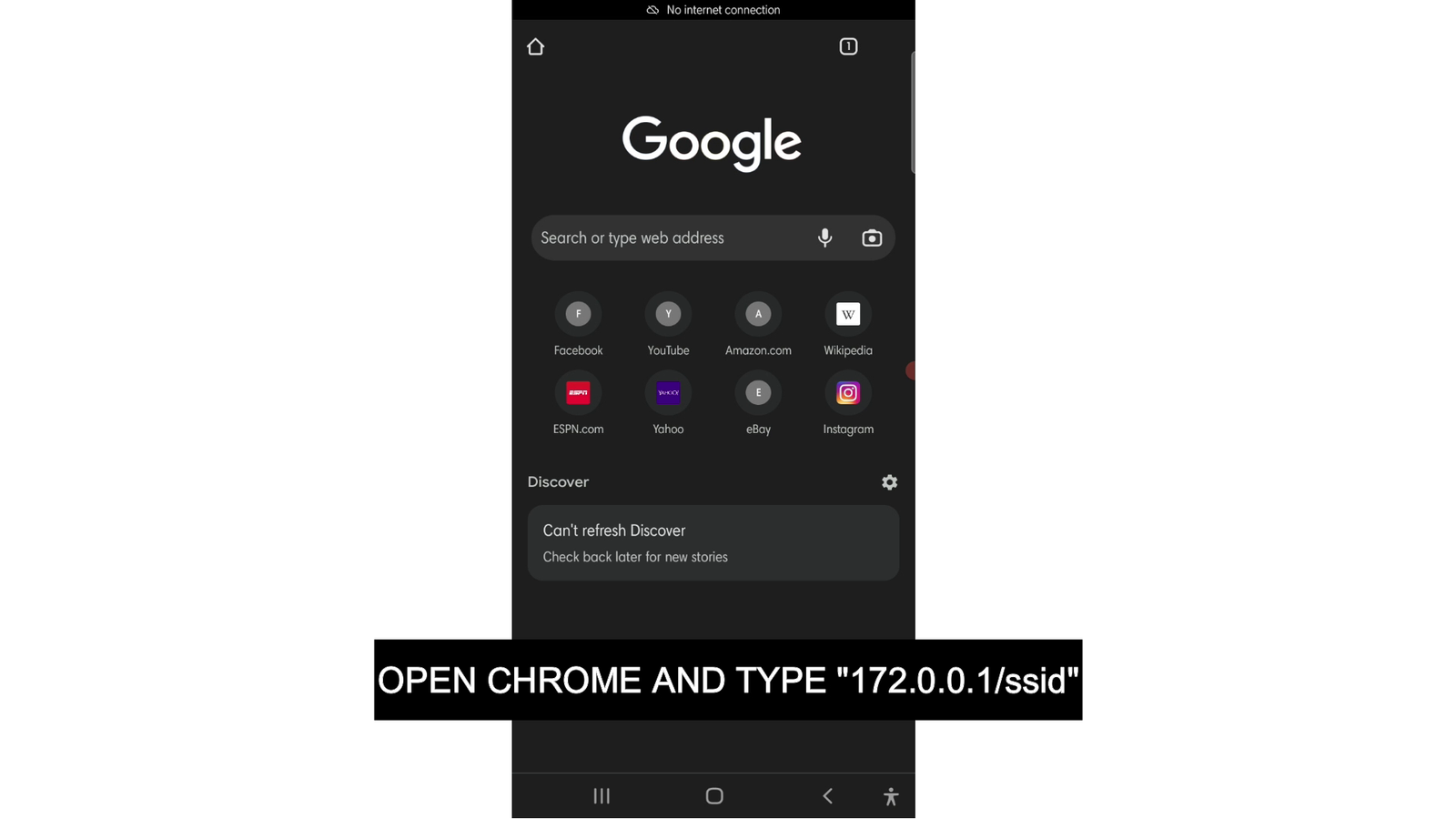
After connecting go to browser and type 172.0.0.1/ssid
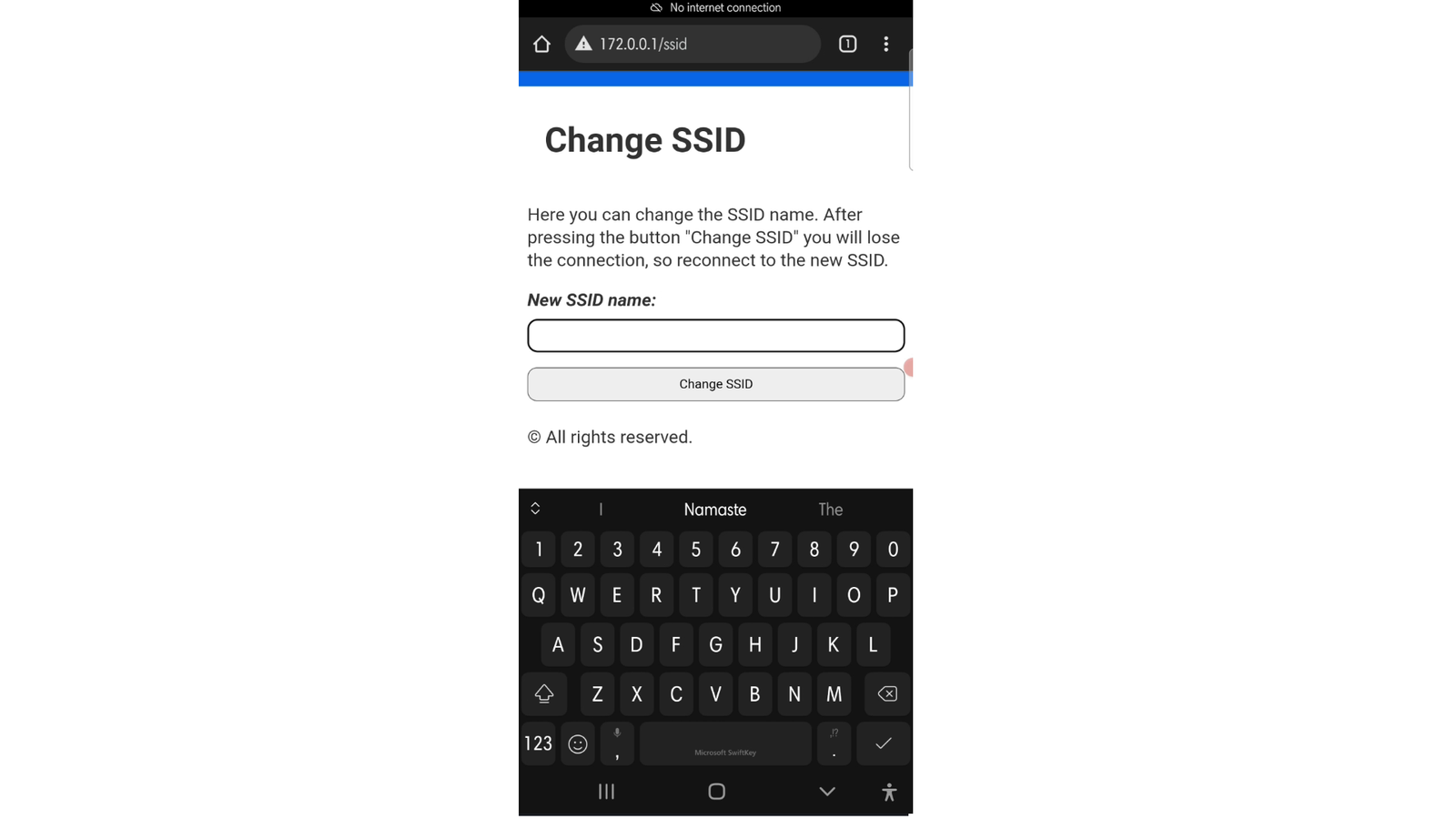
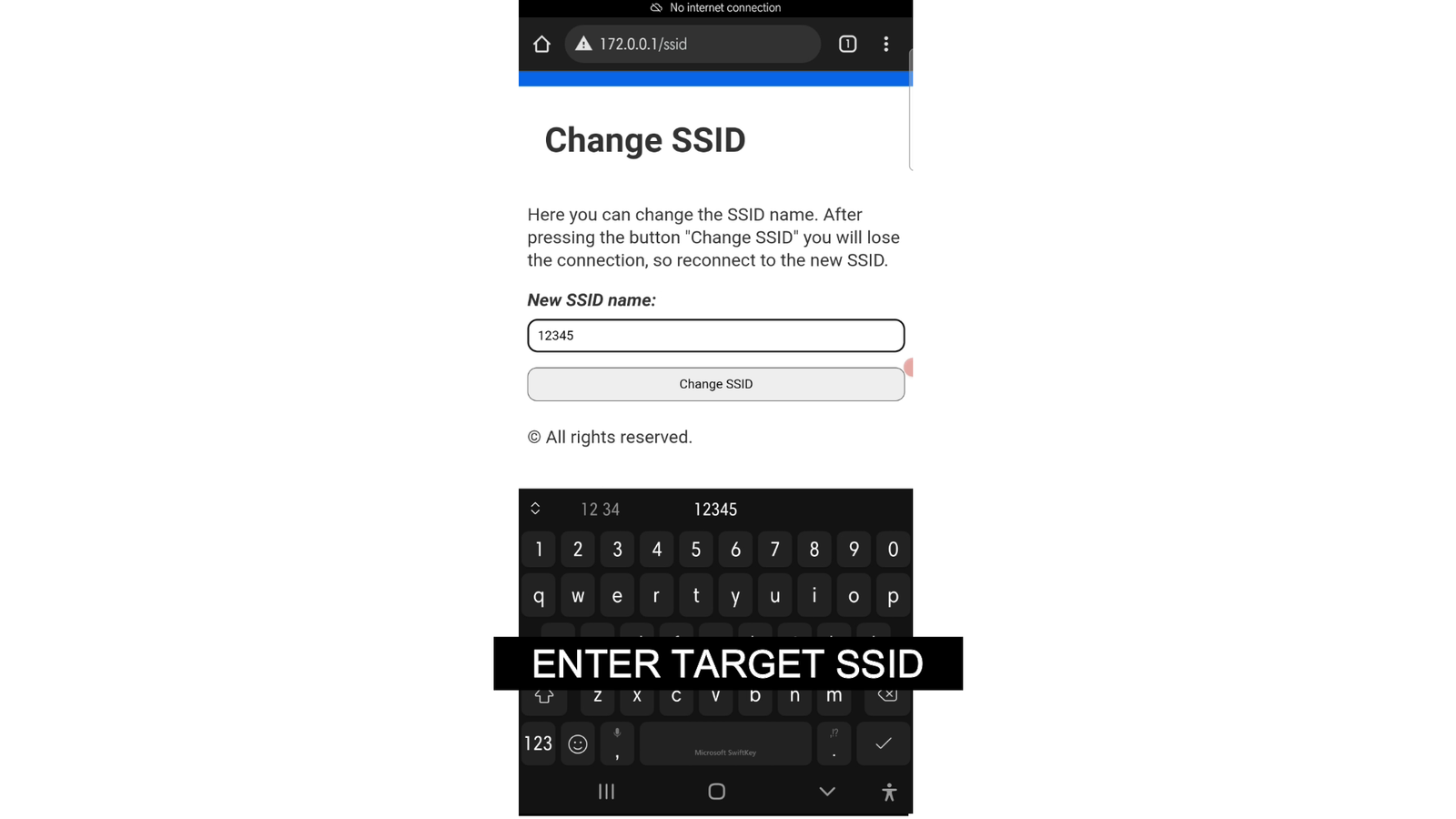
Enter the SSID of the wifi you want to attack
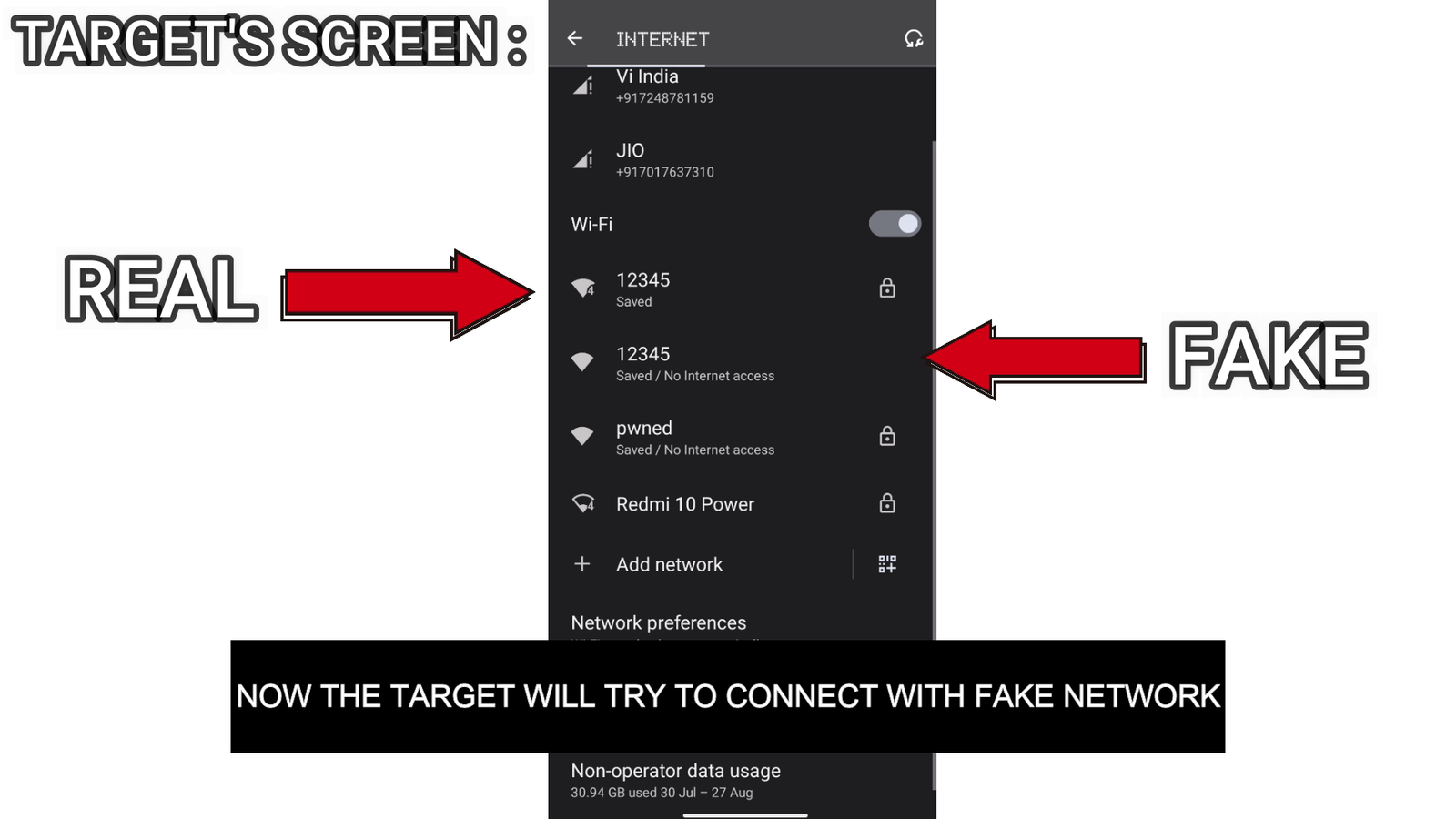
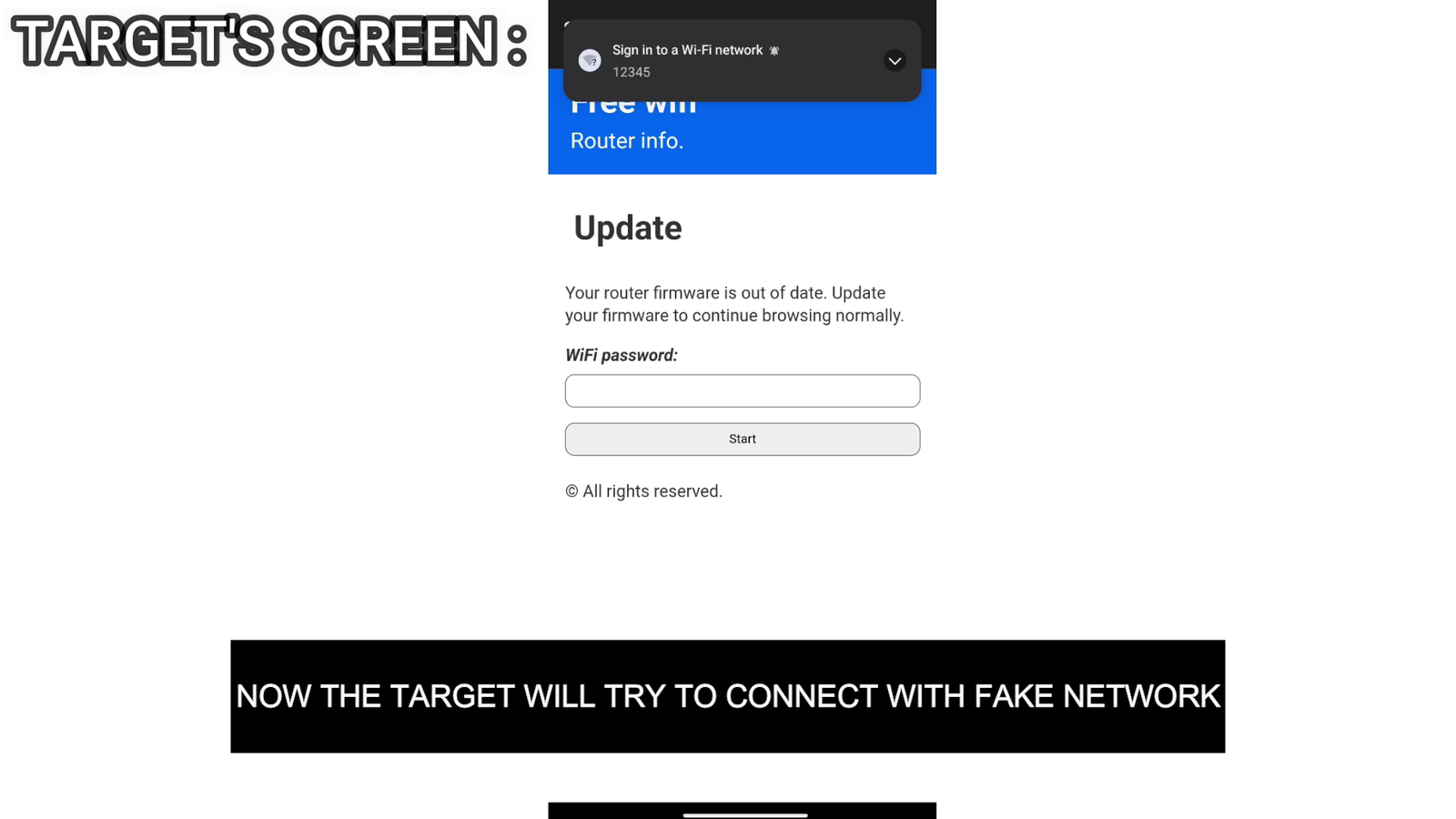
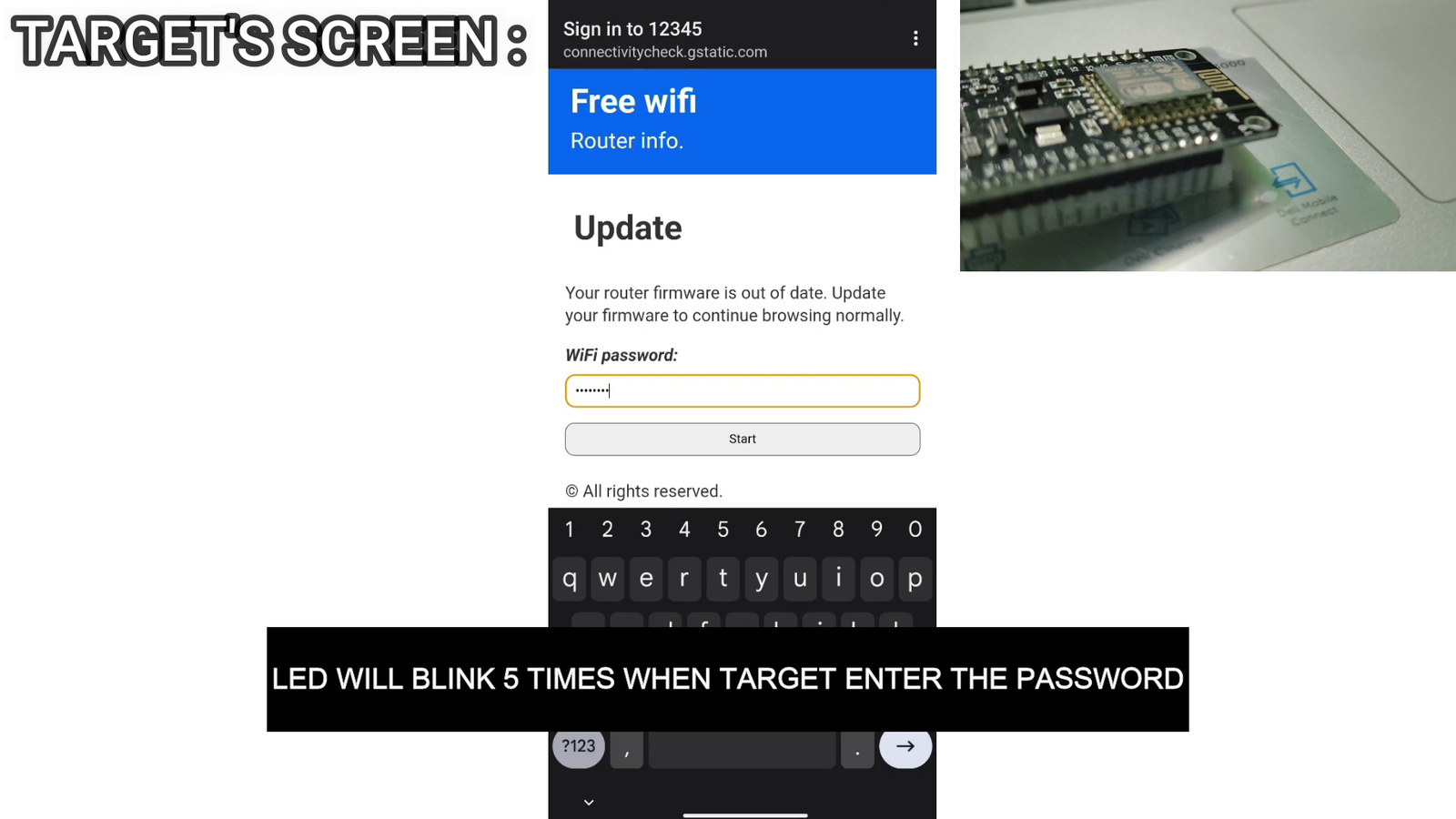
Now the same SSID will appear And victim will try to connect with the fake wifi because the real one is under deauth attack, no device will be able to connect with the real wifi during deauth attack
Passwords
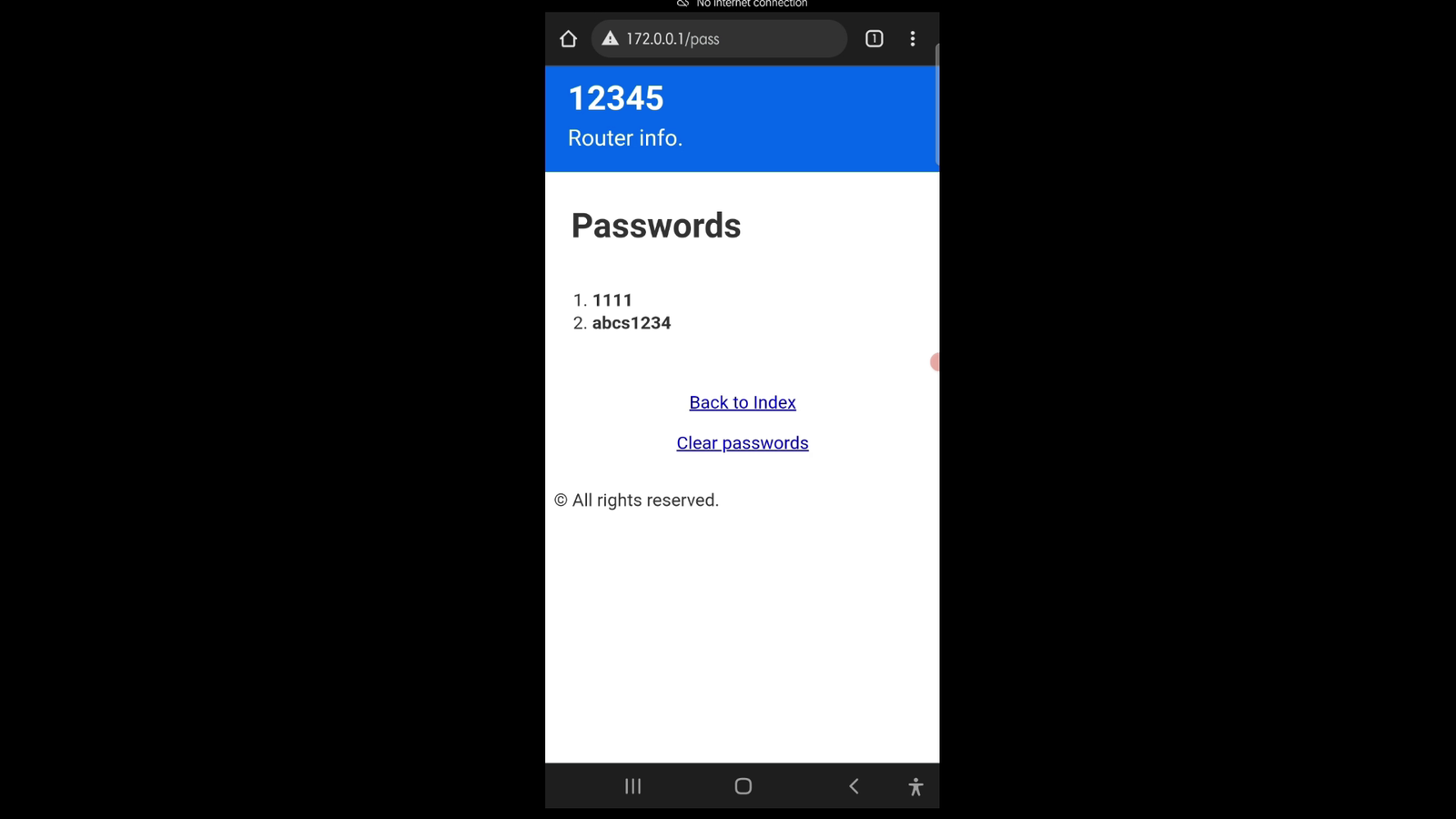
now the password entered by the victim in the fake panel will be shown to you on the ip address 172.0.0.1/pass and now you can enter password and connect to real wifi after turning off deauth attack
This project demonstrates an ESP8266-based “Evil Twin” setup strictly for
educational, research, and ethical cybersecurity learning purposes
. It is intended to help understand wireless network vulnerabilities and improve defensive practices.